Most retail traders open the option chain, see a big number next to a strike, and assume something important is happening. That number alone tells you very little. An option chain scanner is useful only if you treat it as a filter, not a signal. The actual decision needs validation — price action, OI change direction, and context from the underlying.
This post walks through how to read OI buildup, pick strikes that make sense, and run a confirmation workflow before automating anything.
What OI buildup actually means
Open Interest is the number of contracts still open. It is not volume. Volume is how many contracts changed hands today. OI is how many are still alive. The combination of price + OI is what tells you the story.
There are four standard reads:
- Long buildup — price up, OI up. New buyers are coming in.
- Short buildup — price down, OI up. New sellers are coming in.
- Long unwinding — price down, OI down. Existing longs are exiting.
- Short covering — price up, OI down. Existing shorts are exiting.
A jump in OI without a price move is just positioning — it is not direction. A scanner that flags "highest OI at 25000 CE" is showing you where writers have parked, not where price will go. Writers can be wrong. They often are, near big moves.
The mistake retail traders make is reading the OI table at one point in time. You need the change in OI since market open, and ideally the change over the last 30–60 minutes. That is what tells you whether positioning is being added or unwound right now.
Strike selection: ATM, ITM, or OTM
Once your scanner shortlists strikes by OI buildup, you still have to pick which one to trade. This is where most retail option buyers leak money.
Some practical filters:
- Delta — for a directional view, 0.40 to 0.60 delta options behave most like the underlying. Far OTM options (delta under 0.20) need a big move just to break even on theta.
- Days to expiry (DTE) — buying weekly OTM options on Wednesday or Thursday means theta will eat you alive. If your scanner is flagging weekly expiry strikes, check DTE before treating the signal as actionable.
- Bid-ask spread — illiquid strikes show large spreads. A 2-rupee spread on a 40-rupee premium is 5% slippage round-trip. The scanner does not care; your P&L will.
- Distance from spot — strikes more than 1.5–2% away from spot need a meaningful move to become profitable buys. For sellers, those same strikes can offer a margin of safety, but margin requirements are larger.
Pair the scanner output with these filters before the strike makes it onto your watchlist.
A confirmation workflow before you act
A scanner gives you a candidate. It does not give you a trade. Here is a workflow that filters noise:
Step 1 — Confirm with the underlying
If your option chain scanner flags short buildup at 24500 PE in Nifty, look at Nifty itself. Is spot above the day's VWAP? Is it making higher highs on the 5-minute chart? PE writers being aggressive only matters if Nifty's price action agrees. If Nifty is breaking down while PE writers are loading up, the writers are likely to get squeezed.
Step 2 — Cross-check with futures OI
Nifty and Bank Nifty futures OI tells you what the bigger players are doing in the underlying. If futures OI is rising and price is rising, that aligns with bullish option positioning. Divergence between futures OI direction and option OI buildup is a yellow flag — somebody is going to be wrong.
Step 3 — Time of day matters
The first 15 minutes of the session are noisy. OI changes there are often opening adjustments, not real positioning. The 9:45–11:00 window and the post-2:00 PM window tend to give cleaner reads. A scanner alert at 9:18 is not the same quality as one at 10:30.
Step 4 — Event risk check
RBI policy day, US Fed day, Budget day, expiry day — these distort option chain behaviour. IV is elevated. OI changes can be defensive hedges, not directional bets. Your scanner does not know about the event calendar. You have to.
Step 5 — Define risk before entry
If you cannot state your stop-loss and position size before entering, the scanner has not actually helped you. A clean signal with bad sizing still drains capital. This is where most retail journeys break — not in finding signals, but in surviving the wrong ones. We have written more on this in options risk management.
Turning scans into a repeatable process
A one-off scan is a curiosity. A repeatable scanner-to-signal pipeline is what changes outcomes. The retail edge is not in finding a hidden strike — it is in not taking the 80% of trades that look interesting but fail the confirmation checks above.
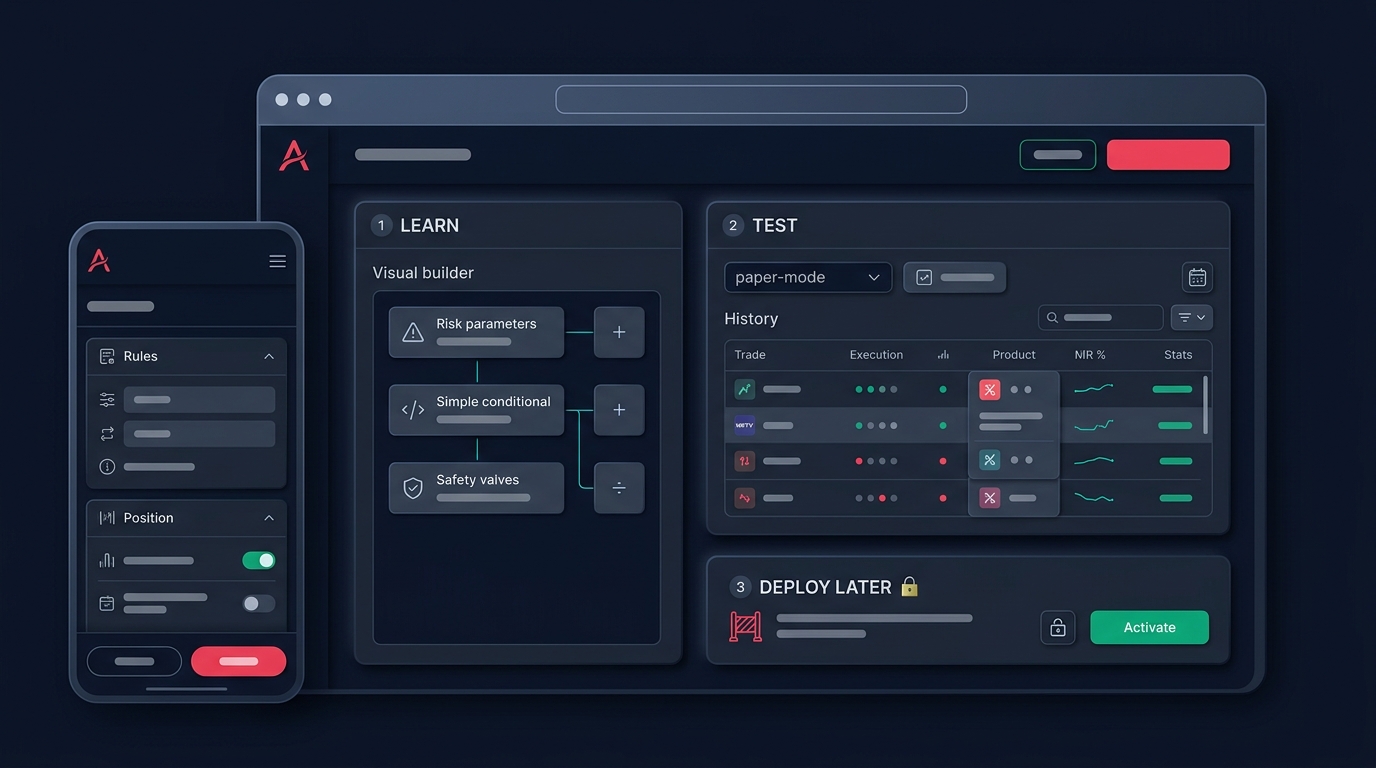
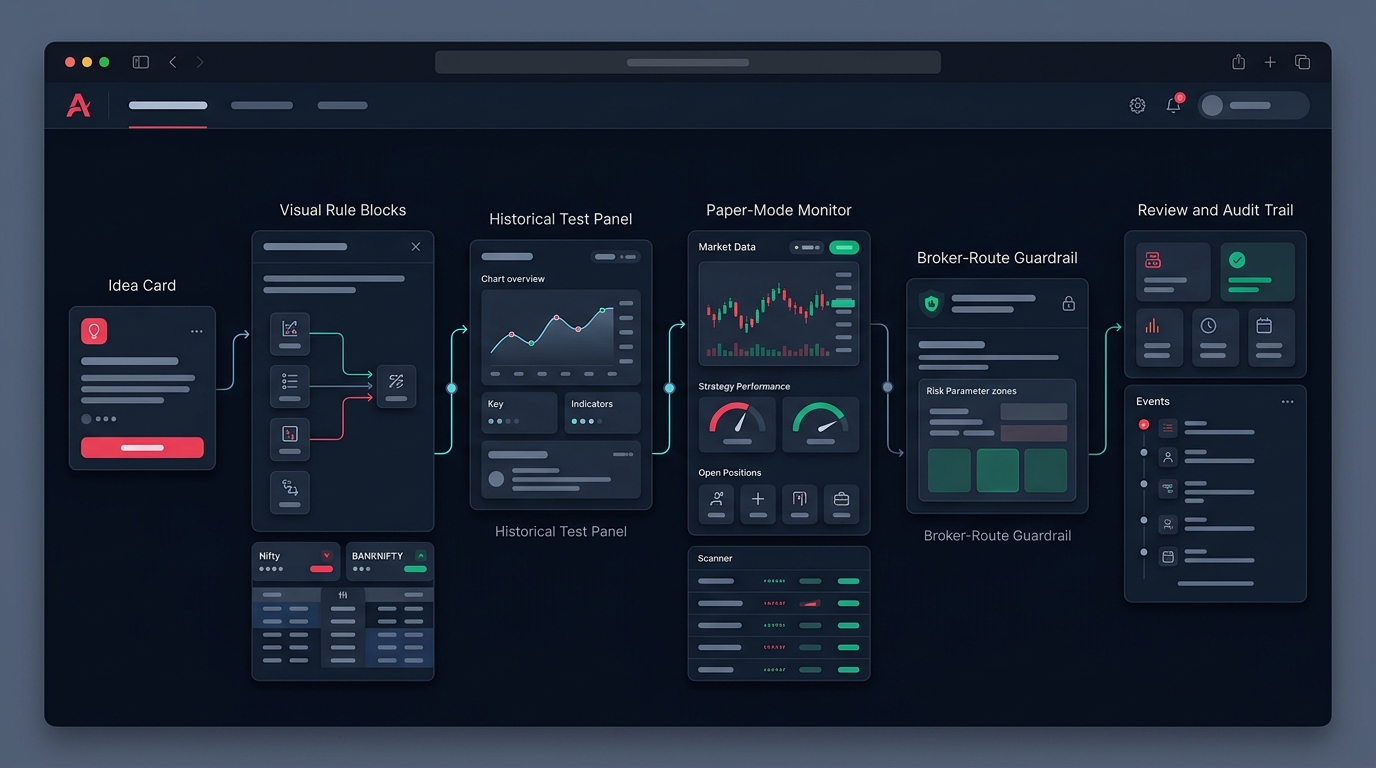
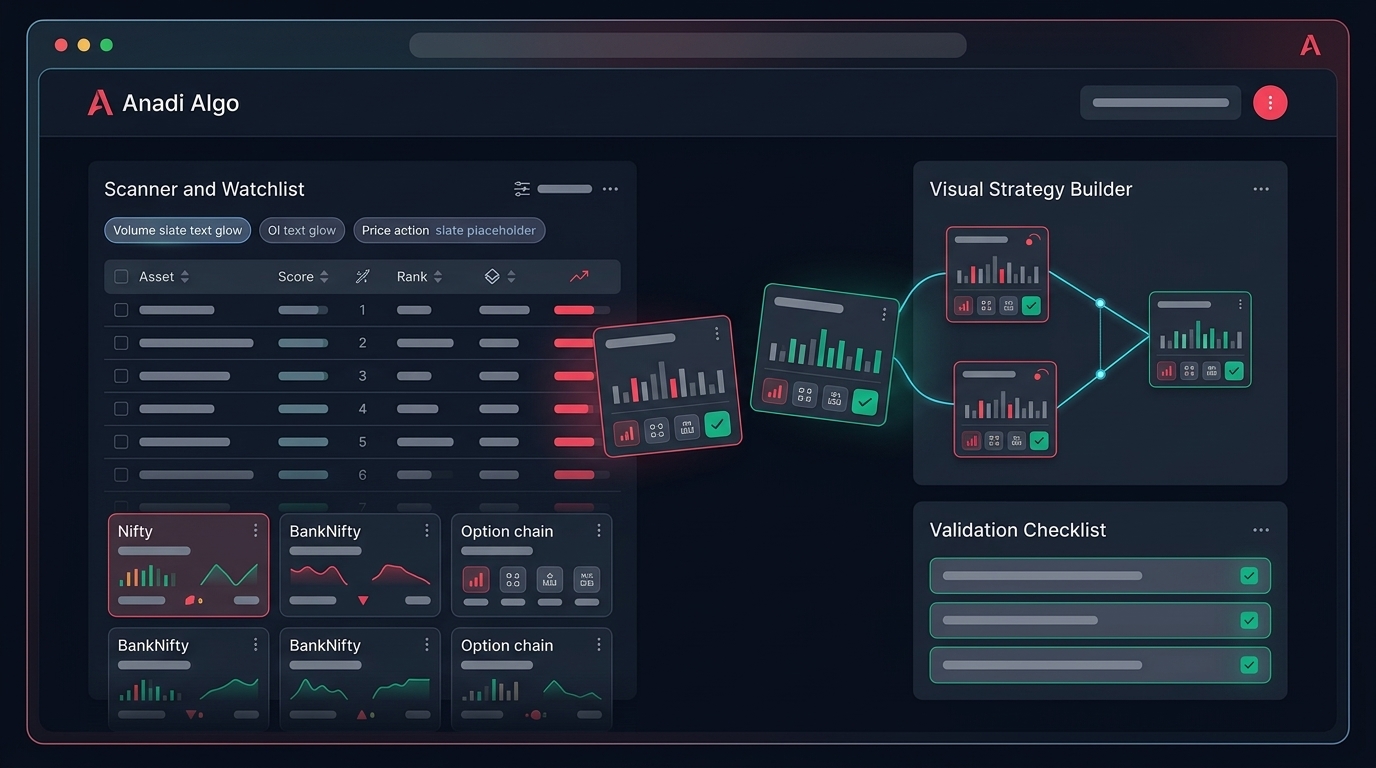
This is what a scanner workflow on a platform like Anadi Algo is meant to do: filter the chain by OI change, IV, and underlying price action conditions, push qualifying strikes into a watchlist, and only then let you decide whether to convert that into a manual trade or a coded entry. The scanner is the funnel, not the trigger.
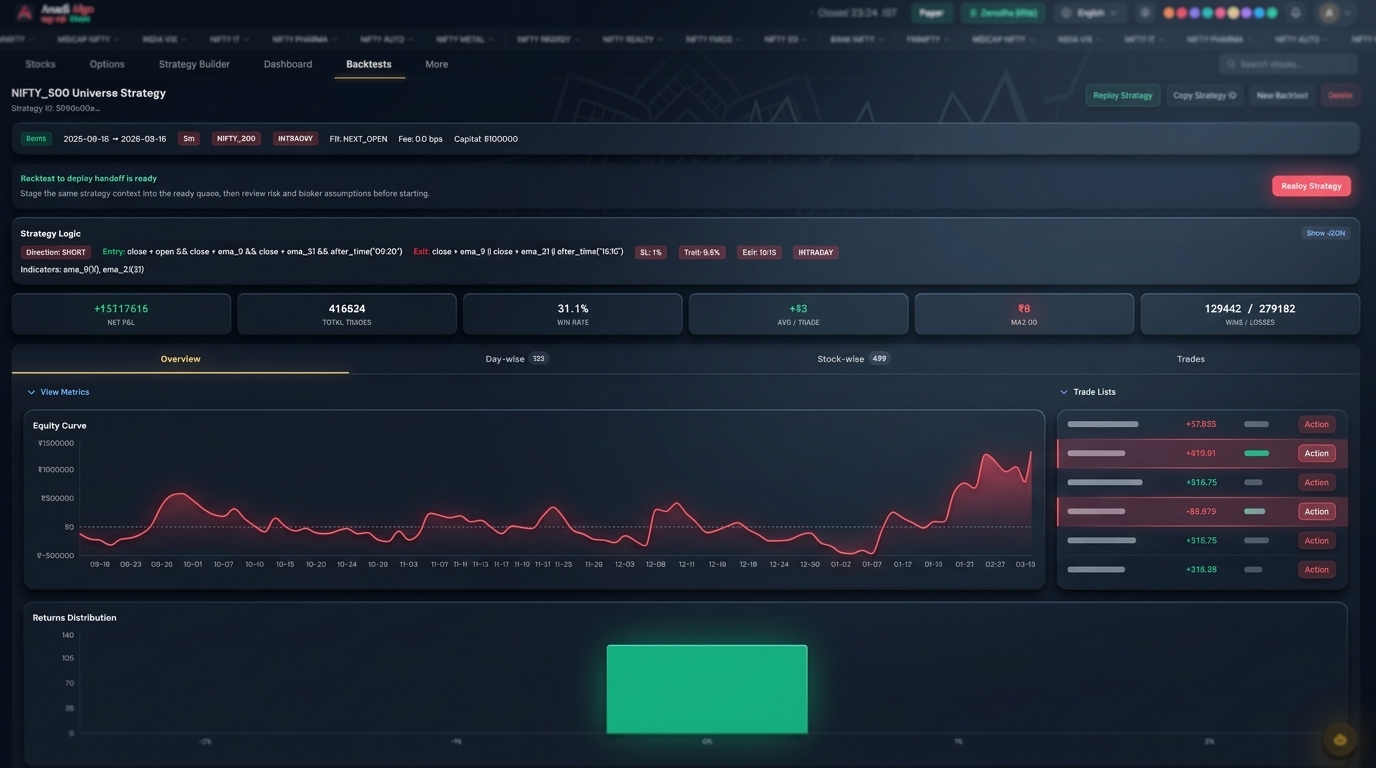
If you want to test whether your validation rules actually hold up, run them against history before risking capital. Six months of options backtesting on the same scan-plus-confirm logic will tell you more than three weeks of live trading. Backtests will not be perfect — slippage and liquidity at OTM strikes are hard to model — but the relative performance of "scanner alone" vs "scanner + confirmation" is usually obvious.
Common mistakes to avoid
- Treating "Max OI at strike X" as a target. Max OI is where the most contracts sit, not where price has to go.
- Ignoring IV crush. A correct directional call can still lose money if IV collapses post-event.
- Chasing the scanner alert. By the time the alert fires, the move may be 60% done.
- Over-fitting the scan. If your filters are so tight that you get one signal a week, you have no statistical base to evaluate.
- Skipping paper trading. Run the workflow live on paper trading for at least 20–30 trades before committing real capital.
Quick checklist before any scanner-driven trade
- OI change direction confirms the price move (not just OI level)
- Underlying agrees on the higher timeframe
- Delta, DTE, and bid-ask spread are acceptable for the strike
- No major event in the next 24 hours that distorts IV
- Position size and stop-loss defined before entry
- The same setup has been validated on at least a few months of historical data
If you want to wire this kind of validation into a coded workflow without writing every condition from scratch, join early access — the scanner and confirmation rules sit inside the same builder, so the filter and the entry logic stay in sync.
The scanner is a microscope, not a crystal ball. Use it to narrow down what to look at — then do the looking yourself.