Flattrade's API is free, the brokerage is zero, and the documentation looks simple enough that a weekend project feels possible. That is exactly where most retail traders underestimate live automation. A backtest that prints a clean equity curve does not tell you what happens when a session token expires at 11:47 AM, an order gets rejected with a cryptic code, or your static IP changes because your ISP rotated it.
This post walks through the real things that break when you run automation on Flattrade — or honestly, any Indian broker API. The goal is not to discourage you from automating. It is to make sure you build the monitoring and fallback layers before you trust the system with real capital.
Session Tokens Expire Daily — Plan For It
Flattrade, like every SEBI-regulated Indian broker, requires a fresh login token every trading day. There is no "keep me logged in for a month" option, and there should not be. The token you generate today at 9:00 AM stops working tomorrow.
This sounds obvious until you realize what it means for unattended automation:
- If your script starts before you log in, every order call fails silently or with an auth error.
- If your strategy enters a position at 9:20 AM but you forgot to refresh the session, you have an open position with no way for the script to manage exits.
- Manual TOTP-based login flows cannot be fully automated — by design. SEBI guidelines around 2FA exist for a reason.
The practical fix is a daily ritual: a single pre-market step where you generate the token, store it in your config, and verify it with a lightweight call (fetch funds, fetch positions) before any strategy logic runs. If that check fails, the system should refuse to start, not limp along.
API Version 2 and the Static IP Problem
According to Flattrade's January 2026 announcement, API Version 2 introduces mandatory static IP binding. Orders can only be placed, modified, or cancelled from the registered static IP. You also get a strict cap: one API key for non-registered algos, with order rates kept under ten per second.
For retail traders running automation from a home connection, this changes the deployment math:
- Most home broadband connections in India use dynamic IPs. Your IP can change after a router restart or an ISP-side rotation.
- You can update the registered static IP only once per calendar week. If your IP changes twice in a week, you are locked out until the next window.
- Running from a laptop on mobile hotspot or café WiFi is no longer viable for live order routing.
The realistic options are either a static IP add-on from your ISP, or a small cloud VM (a basic instance from any Indian region works) with a fixed IP. Either way, this is now a setup cost you cannot skip. Test it by deliberately running a place-order call from a different IP and confirm you get the rejection — that is your guardrail working.
Order Rejections Are Not Always Loud
The rejection class most retail automation gets wrong is the partial or silent one. A few categories worth handling explicitly:
- Margin shortfall — common on volatile days when option premiums move between your check and the actual order. The order is rejected, your strategy thinks it has a position, and your next exit signal has nothing to exit.
- Freeze quantity breach — NSE has per-order limits on F&O quantities. A large NIFTY order beyond the freeze limit gets rejected outright. Splitting into multiple legs is your responsibility, not the broker's.
- Price band rejections — circuit-hit stocks or far-out-of-money options where your limit price falls outside the allowed band.
- Order rate limit — if your strategy fires a flurry of modify calls during a fast move, you can hit the per-second cap and get throttled.
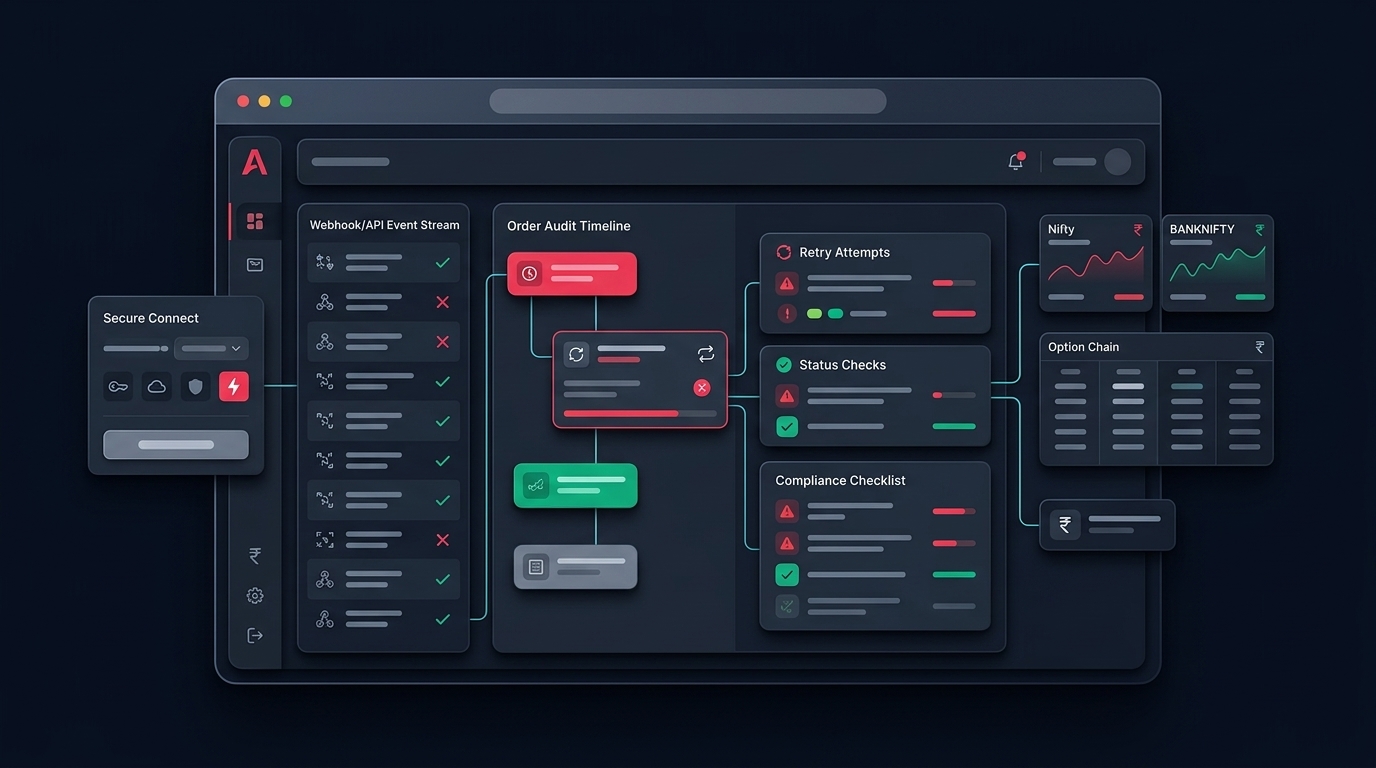
The fix is the same in every case: never assume an order succeeded because you sent it. Read the order book back after every place/modify/cancel and reconcile state against what the broker actually shows. This reconciliation loop is the single biggest difference between a hobby script and something you can leave running.
Monitoring: The Part Nobody Builds Until It Hurts
Here is what live monitoring needs to cover, in rough priority:
- Heartbeat — your strategy process is still alive and the broker session is valid.
- Position drift — what your code thinks you hold versus what the broker actually shows.
- Order state — every order placed in the last N minutes, with status (complete, rejected, pending).
- PnL bounds — a hard kill-switch if drawdown crosses a threshold you set in the morning.
- Connectivity — is the WebSocket/REST endpoint reachable, and what is the round-trip latency?
If any of these go quiet for more than a minute or two during market hours, you need an alert on a channel you actually check — Telegram, email, SMS. Logs you read at 4 PM are forensic, not protective.
On Anadi Algo, this layer is baked into AutoTrade — position reconciliation against the live broker, risk management circuit breakers, and rejection tracking sit alongside the strategy. You can build it yourself for Flattrade, but treat it as the actual product, not the strategy code.
Practical Pre-Live Checklist
Before you route real money through any Flattrade automation:
- Daily session refresh tested and verified with a health-check call.
- Static IP confirmed, with the "wrong IP rejection" tested at least once.
- Order rejection handlers for margin, freeze qty, price band, and rate limits.
- Post-order reconciliation reading the order book and positions back.
- Heartbeat alerts on a channel that pages you in under two minutes.
- A manual kill-switch that closes everything regardless of strategy state.
- At least two weeks of paper trading on the exact same code path you will run live.
- A written maximum daily loss after which the system stops trading for the day.
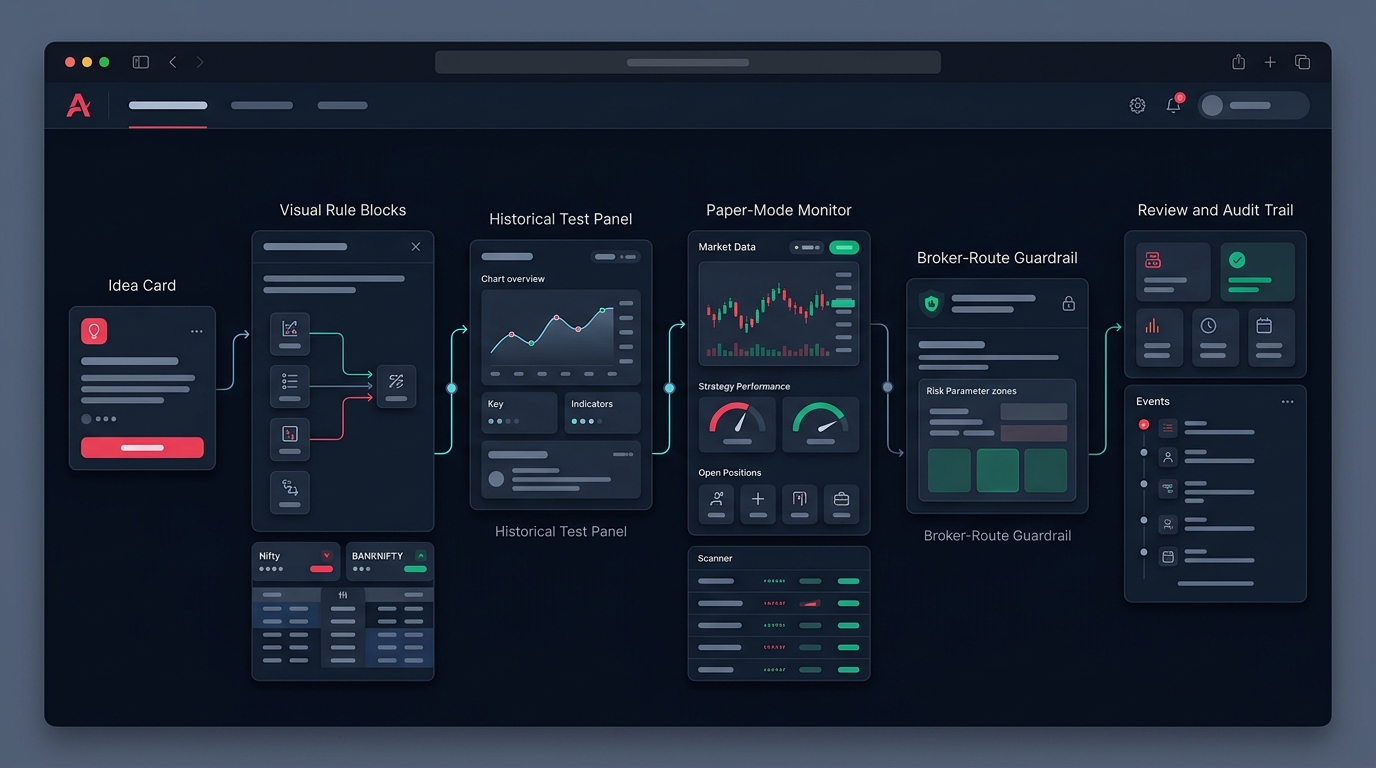
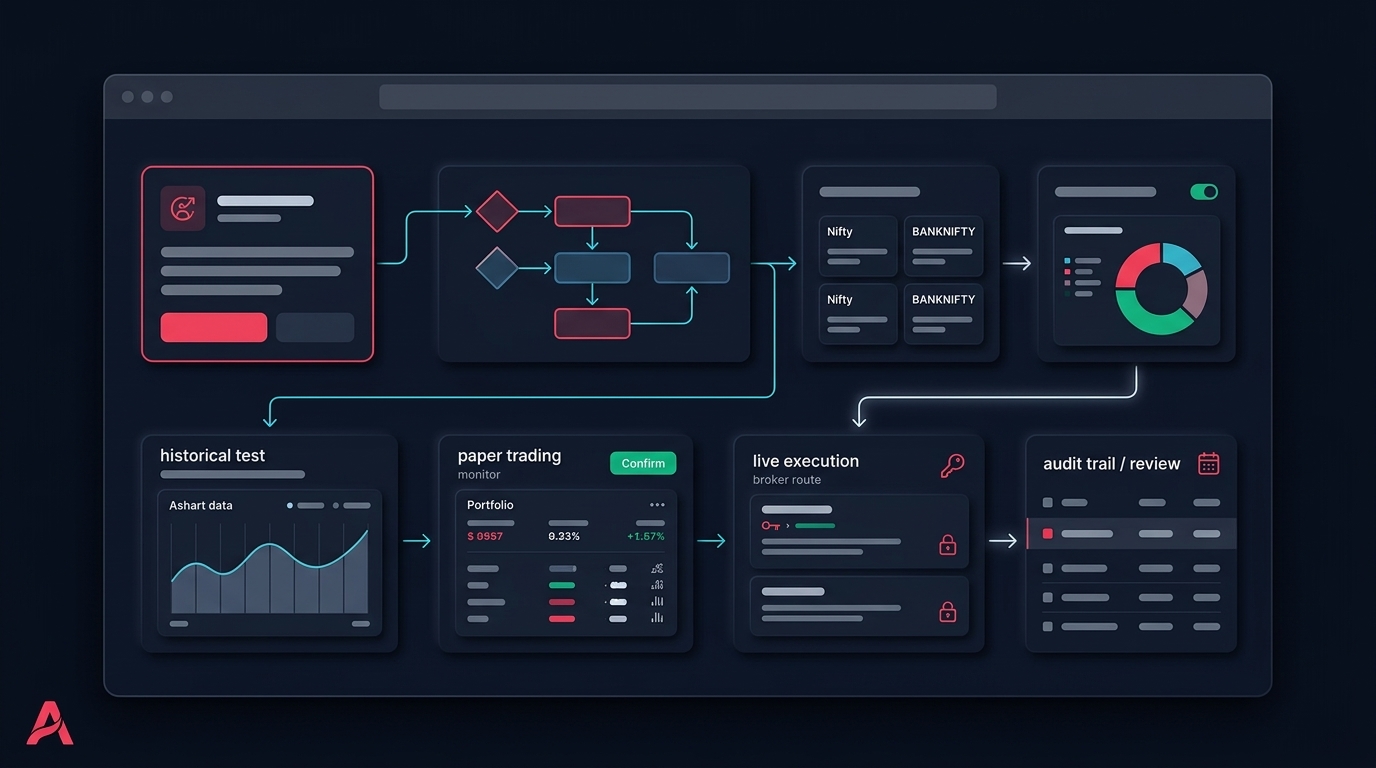
If you are still building the strategy itself, our no-code strategy builder lets you skip the API plumbing and focus on the rules — then route execution through your Flattrade account once the logic is stable. You can try Anadi Algo with early access to test the full workflow on paper before any live capital is involved.
The Real Takeaway
Free brokerage and free API access make Flattrade attractive for automation, and the platform itself is capable. What breaks live trading is almost never the broker — it is the gap between "my script placed an order" and "the broker actually filled it the way I expected." Build the monitoring layer first, the reconciliation loop second, and the strategy logic last. That order feels backward, which is exactly why most retail automation fails on day three.