Every algo trader hits order rejections. A rejection is not a failure by itself — it is the broker or exchange telling your system "no." The real question is what your code does in the next few hundred milliseconds.
Ignore the rejection, and you miss the trade. Retry it blindly, and you can fire the same order twice. Handle it properly, and a rejection becomes a logged, expected event instead of a P&L surprise at 3:30 PM.
This post is for Indian retail traders sending automated orders through a broker API or a webhook. We will cover why rejections happen, which ones are safe to retry, and how to stop a retry from quietly becoming a duplicate.
Why broker orders get rejected
The first job is not to fix rejections — it is to classify them. A margin shortfall and a network timeout look similar in a log line, but they need opposite responses. Group the causes into four buckets.
Account-level rejections
These come from your broker's risk management system (RMS):
- Insufficient margin or funds for the order
- Per-order quantity or exposure limits breached
- Product type not allowed (for example, MIS blocked on a specific contract)
None of these fix themselves. Retrying a margin rejection just sends the same "no" back faster.
Order parameter rejections
The order itself is malformed or out of bounds:
- Price outside the day's circuit or price band
- Quantity above the exchange freeze limit (NIFTY and BANKNIFTY have freeze quantities; large baskets get chopped or bounced)
- Wrong tick size, lot size, expiry, or an expired/invalid symbol
Retrying these without changing the order is pointless. The fix is in your strategy logic, not your retry loop.
Session and connectivity
This is the silent killer for retail setups:
- Access token expired mid-session, so every order suddenly rejects
- Broker gateway timeout or a dropped WebSocket
- Your own request timed out before the broker replied
These are often retryable — but only after you confirm what actually happened (more on that below).
Exchange and compliance
The layer most retail traders forget:
- Market closed, pre-open, or a circuit halt
- Rate-limit throttling. Under the SEBI 2026 algo framework, sustained order flow above roughly 10 orders per second is treated as algorithmic activity, and brokers enforce per-second limits — burst past them and you get throttled or rejected.
- IP registration. From April 2026, orders routed through an unregistered or dynamic IP can be rejected at the broker layer. If your cloud instance or home connection changed IPs, that alone can break a working setup.
The retry trap
Once causes are bucketed, retry logic becomes simple to reason about. Split every rejection into retryable and terminal.
Retryable (transient): request timeout, gateway busy, throttle, brief connectivity loss. These can clear on a second attempt.
Terminal (do not retry): insufficient margin, invalid parameters, circuit limit, RMS block, market closed. Retrying these does nothing useful and, in volume, can get your API access flagged.
For the retryable bucket, three rules keep you safe:
- Cap attempts — three tries, then stop and alert. Never retry in a tight loop.
- Use backoff — wait a little longer between each attempt (for example 200ms, then 500ms, then 1s) instead of hammering the broker.
- Re-validate before the last try — the circuit band or freeze limit may have moved while you waited.
A retry loop with no cap is how a single bad signal turns into 400 rejected orders and a temporarily blocked key.
Why retries create duplicate orders
Here is the failure that hurts most. You send an order. The broker actually accepts it. But your connection drops before the confirmation reaches you. Your code sees "no response," assumes failure, and retries — and now you are holding two live positions instead of one.
The placement response is not proof. Absence of a confirmation is not proof of rejection.
Three defences:
- Use a client order ID where your broker supports idempotency, so the same logical order cannot be booked twice.
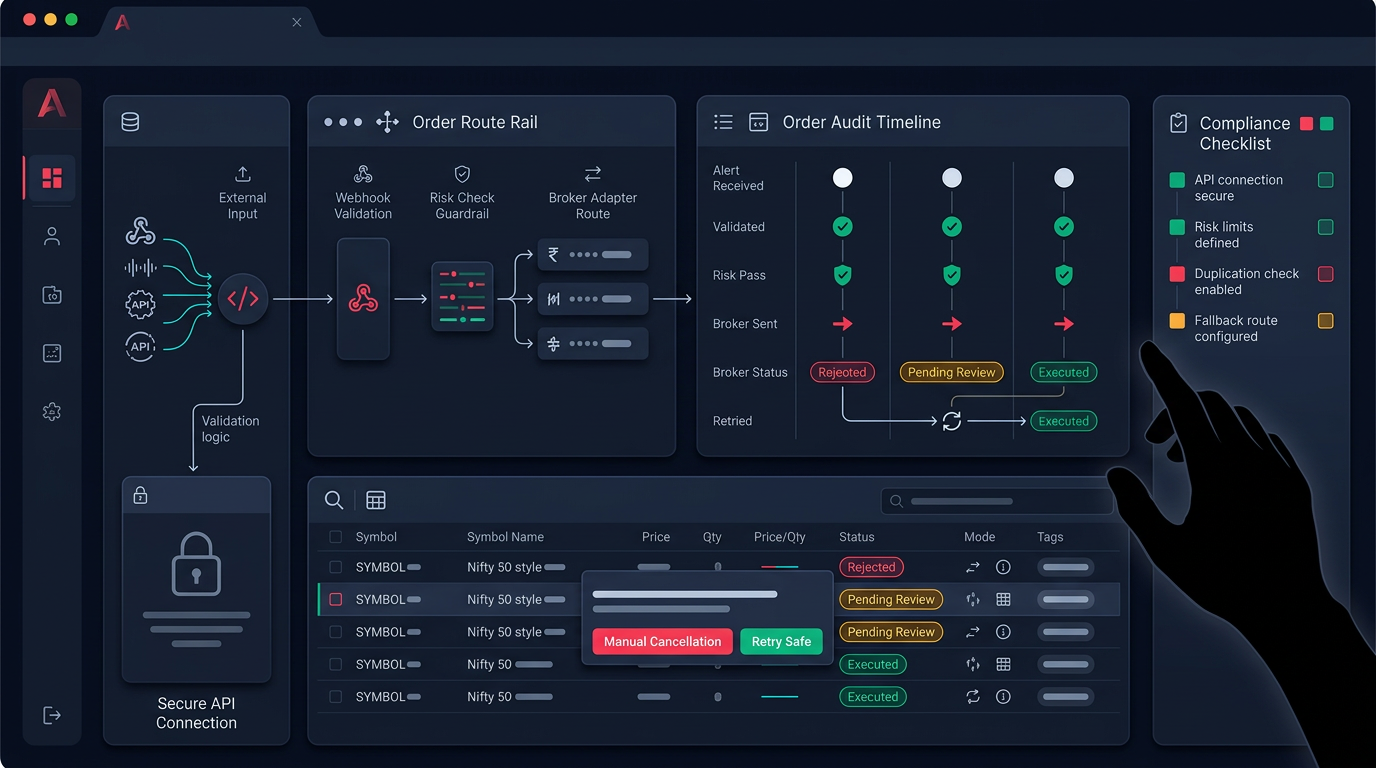
- Reconcile before retrying. Before sending attempt two, query the order book and check whether attempt one is already sitting there as open or filled.
- Confirm via order-status API, not the placement reply. The status endpoint is the source of truth for what the exchange actually did.
This is exactly why an order audit view matters. Anadi keeps an order table with live status and cancel actions so you can inspect what the broker did instead of assuming a fill. Execution problems almost always show up in the order book before they show up in P&L — which is why monitored execution beats a black-box "fire and forget" loop. The same reconciliation discipline applies whether the trigger came from a strategy engine or from TradingView webhooks.
A practical rejection-handling checklist
Before you scale any automation to live size, confirm your system does all of this:
- Log the exact broker error code and message for every rejection — not just "order failed."
- Map each code into a retryable or terminal bucket, in code, not by guesswork.
- Cap retries and add backoff — three attempts maximum, no tight loops.
- Reconcile against the order book before any retry, using a client order ID where available.
- Confirm fills via order-status, never via the placement response alone.
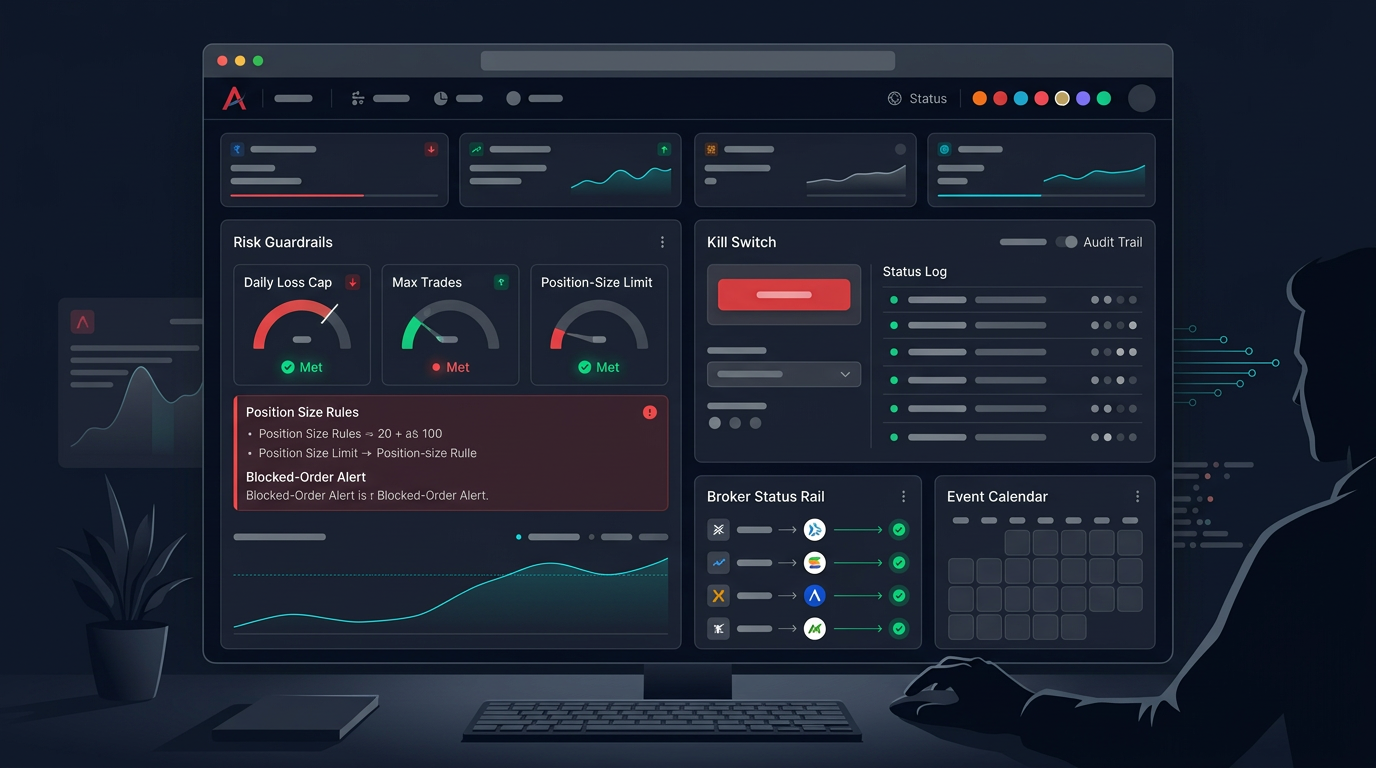
- Wire a kill-switch and a daily order cap so a rejection storm cannot run unattended. This belongs in your risk management layer alongside stop-loss and position sizing.
- Alert on repeated rejections. A sudden wall of rejects usually means token expiry, a changed IP, or an RMS limit — not a strategy problem.
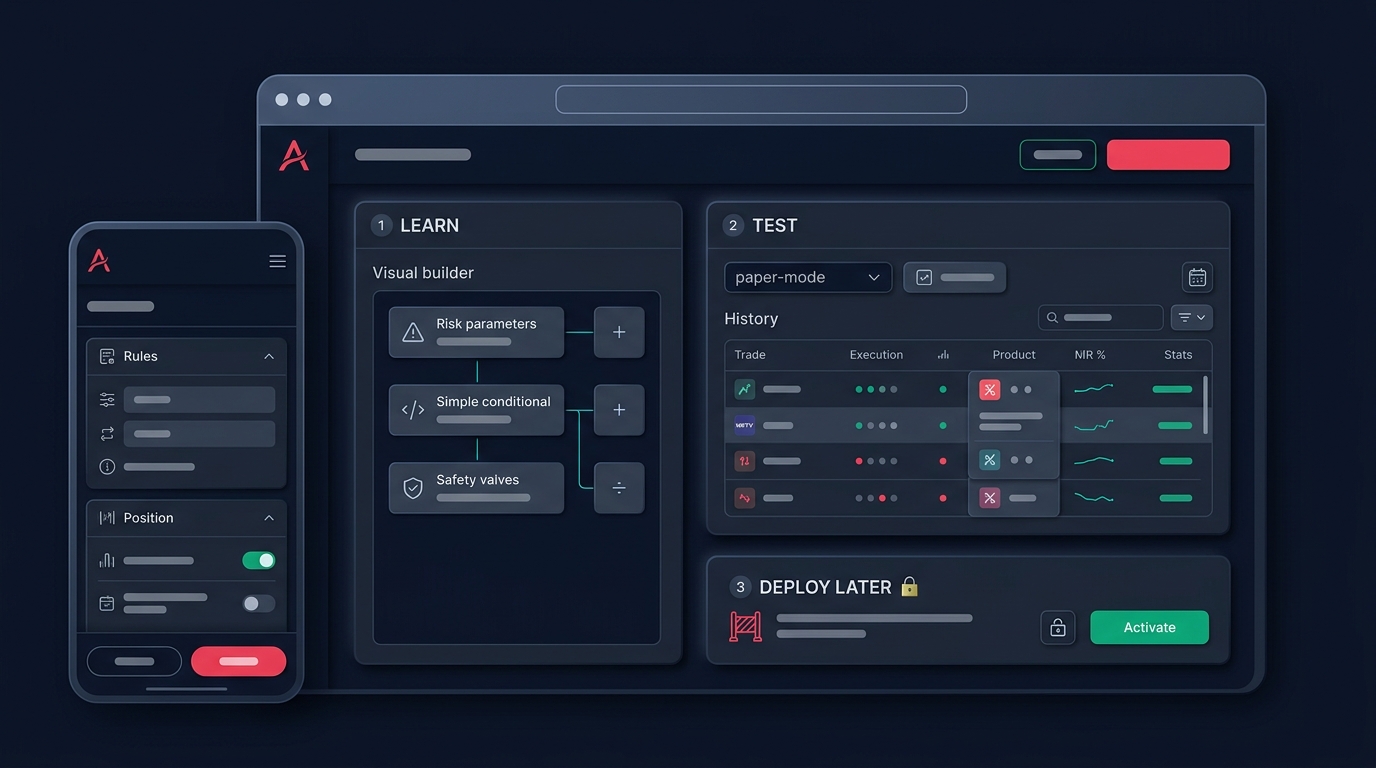
Test all of this in paper trading first. Rejection handling is far easier to debug when no real margin is on the line, and most duplicate-order bugs only surface under live latency and dropped connections.
Rejections are not the enemy. An unhandled rejection is. The traders who survive automation are the ones who treat every "no" from the broker as data — classified, logged, and reconciled — rather than something to brute-force past.
Want a setup where order audit, retry safety, and risk limits are built into the execution layer instead of bolted on? Request early access and move your strategy from script to monitored live trading.