What TradingView Actually Does (And What It Doesn't)
TradingView is where most Indian retail traders build and test strategies. Pine Script, indicators, alerts — it handles all of that well. But here is the part that surprises traders new to automation: TradingView does not execute trades.
When your alert condition fires, TradingView sends an HTTP POST request to a URL you specify. That is it. Your broker never sees the alert directly. The actual order — the one that hits NSE or BSE — has to come from somewhere between the alert and the broker. That "somewhere" is the execution layer, and understanding it is the whole game.
The Four Stages of the Real Workflow
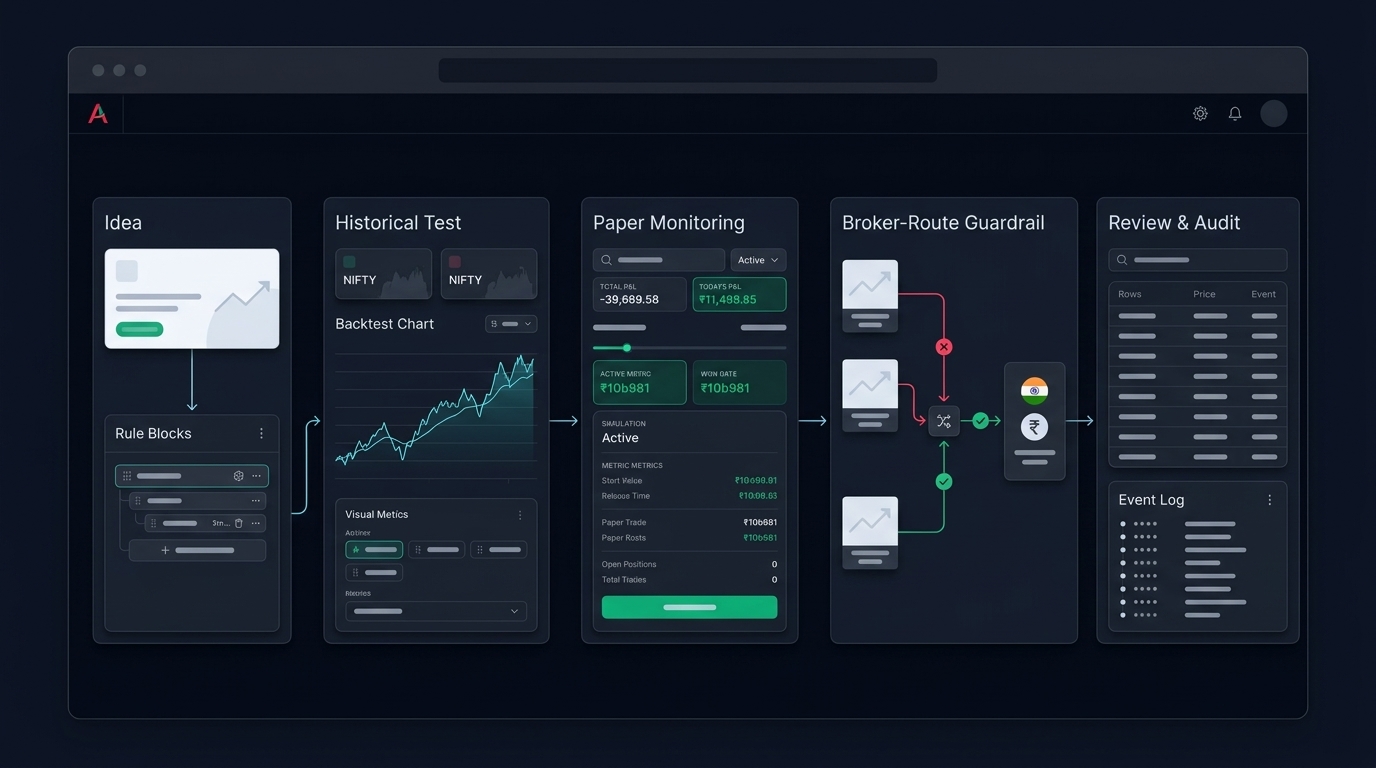
Think of the pipeline in four distinct stages:
Stage 1: Alert Generation in TradingView
Your Pine Script strategy or indicator defines when an alert should fire. A typical alert message is a JSON payload you write directly into the alert dialog. Something like:
{"action": "BUY", "symbol": "BANKNIFTY25JUNFUT", "quantity": 1, "order_type": "MARKET"}
The alert fires, sends this JSON to your webhook URL via HTTPS POST, and TradingView's job ends there. Note: you need a paid TradingView plan to use webhook alerts in production.
Stage 2: The Middleware Receiver
This is the most critical and most underappreciated part of the pipeline. Your webhook URL points to a server — either self-hosted or a managed execution platform — that receives the JSON, parses it, and decides what to do next.
A bare-bones receiver that just forwards alerts to a broker API is technically possible but dangerous in production. What can go wrong without proper middleware:
- Duplicate alerts: TradingView can fire the same alert more than once. Without deduplication, you place two orders.
- Stale signals: If your server was down for 2 minutes and reconnects, it may receive a queued alert for a condition that no longer holds.
- No position awareness: Your code places a BUY even though you already have an open position from an earlier signal.
- Rejected orders ignored: The broker API returns an error, but your script doesn't log or retry properly, so you think the trade went through.
A production-grade middleware layer handles all of this. It validates the payload, checks current position state, timestamps the signal, and only then calls the broker API.
Stage 3: Risk Checks Before the Order Goes Out
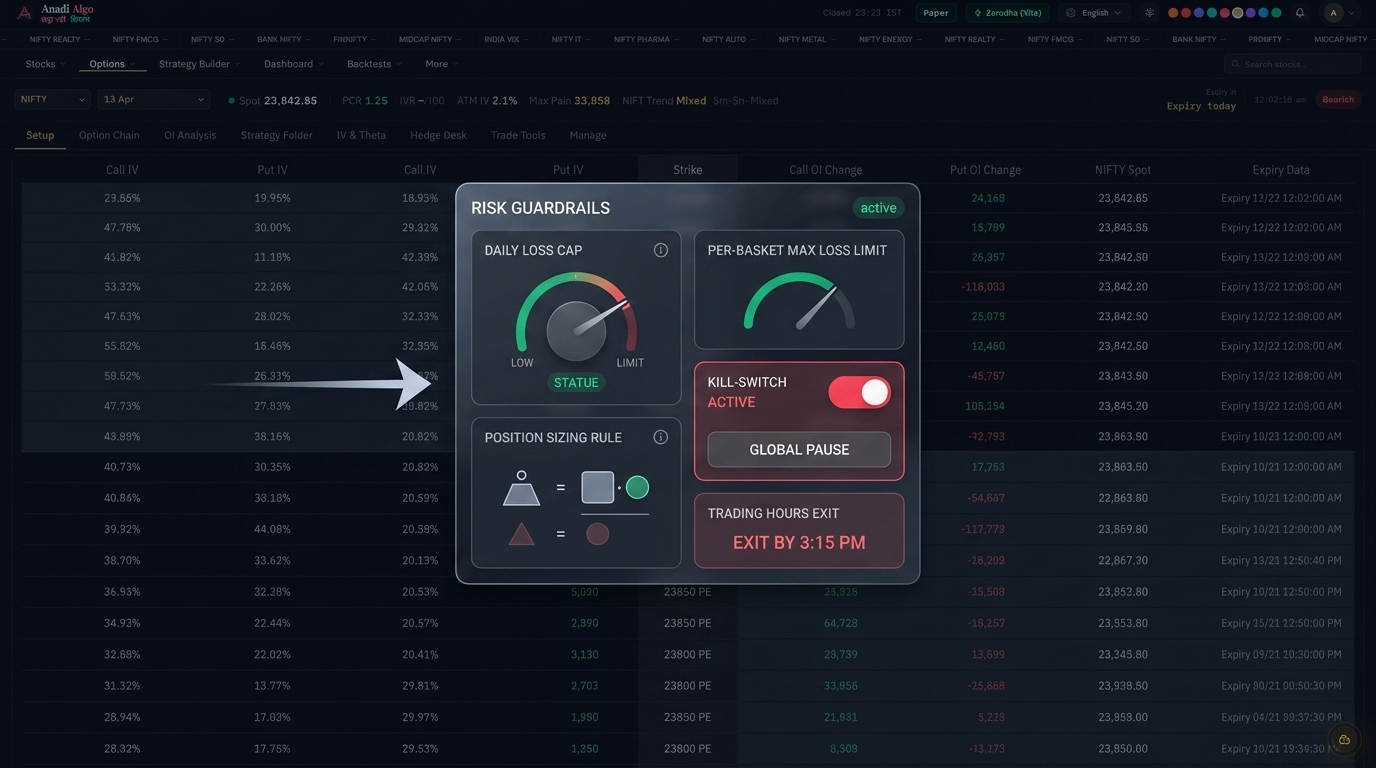
This is where many DIY setups fail. The signal may be valid, the middleware may work, but orders should not be placed without a minimum set of checks:
- Daily loss limit: Has the account already hit the maximum loss for the day? If yes, block all new entries.
- Max open positions: Are you already at your position limit? Don't add another leg.
- Order size sanity: Does the quantity in the signal match your risk parameters, or did someone accidentally send quantity 100 instead of 1?
- Market hours: Is the alert firing outside NSE trading hours? Block it.
- Symbol validation: Is the symbol in the alert actually tradeable today, or has it expired (relevant for F&O)?
These checks belong in your execution layer, not your Pine Script. Pine Script has no access to live account state. Only your middleware does.
You can read more about building these guardrails in the risk management section.
Stage 4: Broker API Routing
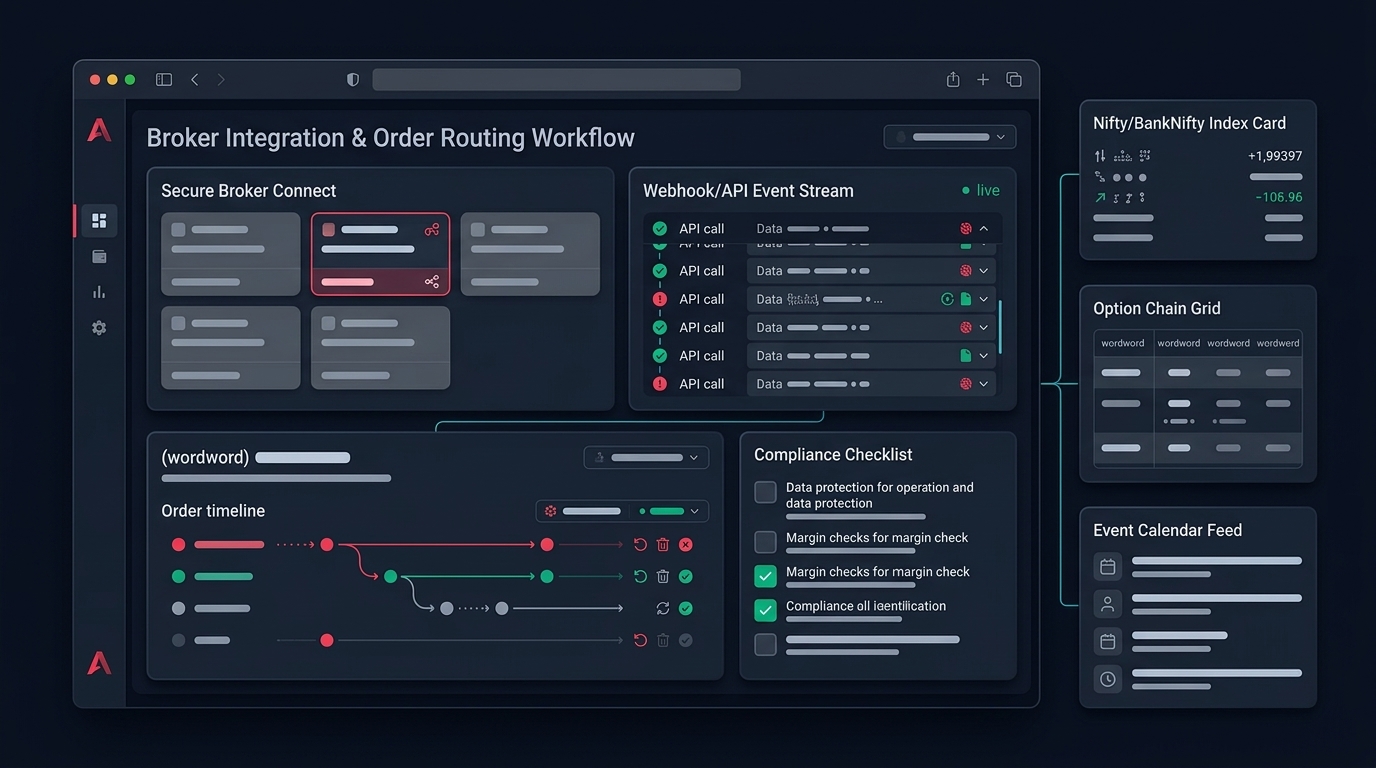
Once the signal passes all checks, the middleware calls your broker's API. In India, this typically means brokers like Zerodha (Kite API), Upstox, Dhan, Angel One, or others through their official APIs.
The order parameters need to be broker-specific. The JSON from TradingView says "BUY BANKNIFTY", but your broker API call needs the exact trading symbol, exchange segment, product type (MIS/NRML/CNC), order type, and validity. Mapping from a generic alert payload to broker-specific parameters is one of the key functions of a proper execution layer.
Some platforms, including Anadi Algo's TradingView webhook integration, handle this mapping for you — you send a clean alert, the platform routes it to the correct broker format.
Common Points of Failure in Live Trading
Based on how these pipelines typically break:
Latency: If your webhook receiver is running on a slow server or has cold-start delays, the order may arrive 2-3 seconds after the signal. For scalping strategies this matters significantly. For daily timeframe strategies, it usually doesn't.
Token expiry: Most Indian broker APIs require a daily login or token refresh. If your automation script runs overnight and the broker session expires at midnight, your morning orders will fail silently. This is a known failure mode — the broker API session expiry problem deserves its own checklist.
Order rejection without alerts: Brokers reject orders for many reasons — insufficient margin, exchange rejection, risk limits. If your system doesn't actively monitor order status after placement, you'll think you're in a position when you aren't.
Pine Script repainting: Some indicators calculate values on real-time bars that change as new ticks come in. An alert based on a repainting indicator may fire on a signal that doesn't hold on the closed candle. Test with barstate.isconfirmed in Pine Script to reduce this.
Before You Go Live: A Practical Checklist
Run through this before connecting your TradingView alerts to live broker orders:
- Alert message JSON is valid and contains all required fields (action, symbol, quantity, order type)
- Webhook receiver has deduplication logic (track alert IDs or timestamps)
- Middleware checks position state before placing an entry
- Daily loss limit is enforced at the execution layer, not just the strategy
- Broker API tokens are refreshed automatically before market open
- Order status is polled or confirmed after placement — not assumed
- System is tested end-to-end in paper trading mode before any real capital
- Alerts are logged with timestamps for post-session review
- Symbols and expiries in the alert message are validated before forwarding
What This Looks Like With a Managed Platform
Building and maintaining this pipeline yourself is possible. It requires a server, API access from your broker, code to handle all the edge cases above, and ongoing maintenance as broker APIs change. That is a meaningful engineering commitment.
Platforms like Anadi Algo handle the middleware, deduplication, risk checks, and broker routing out of the box. You configure the alert format, map it to your strategy parameters, and the platform takes care of the order execution chain. If you want to explore this without writing code, early access is open.
The Real Takeaway
TradingView alerts are the starting point, not the finish line. The quality of your automation depends almost entirely on what happens between the alert and the broker — how your middleware validates signals, enforces risk rules, and maps to broker-specific order parameters.
Get those stages right and you have a repeatable, auditable execution workflow. Skip them and you have an alert that sometimes places orders and sometimes doesn't, with no clear way to know which.