A TradingView webhook feels like magic the first time it works. Your chart condition triggers, a POST request flies out, and an order lands at your broker without you touching the keyboard. For a lot of Indian retail traders, that is where the automation story starts and stops.
The problem is that a webhook is a messenger, not a risk system. It carries a signal. It does not check whether that signal should become a live order right now, at this size, given what you already hold. This post compares the webhook layer against a full algo platform on workflow fit — not on vague "which is better" claims — so you can see which layers you actually need.
What a TradingView webhook actually does
A webhook is a single job done well: when your alert condition fires, TradingView sends a JSON payload to a URL. That payload usually contains the symbol, the action (buy or sell), quantity, and maybe order type.
That is the entire scope. The webhook does not know your broker margin, your open positions, your daily loss so far, or whether the same alert already fired ninety seconds ago. It is a one-way pipe. TradingView documentation and Indian automation guides describe it exactly this way — a real-time notification that an external system then has to interpret and act on.
So the honest framing is this: the webhook is one layer in a stack. What sits behind the URL decides whether you have automation or just an unguarded firehose pointed at your trading account.
Where the webhook layer ends
Here is the gap, stated plainly. A raw TradingView-to-broker bridge typically has no answer for:
- Duplicate and repeat alerts. Pine Script alerts can fire more than once on a bar or re-fire on repaint. Without dedup logic, that becomes two orders.
- Payload validation. If the symbol format, exchange, or lot size is slightly wrong, a naive bridge still forwards it. The broker rejects it — or worse, fills something unintended.
- Live risk state. The webhook has no idea you are already down to your daily loss limit or already holding three lots of the same option.
- Order confirmation. Firing an order is not the same as getting a fill. A messenger that never reads the order book back cannot tell you a leg was rejected.
None of this is a knock on TradingView. Charting and alerting are what it is built for. The point is that these missing checks are exactly the things that blow up live accounts, and they live downstream of the alert.
What a full algo platform adds on top
A full platform treats the incoming alert as raw input to a pipeline, not as a finished order. Think of it as four gates the signal has to pass.
Validation and mapping
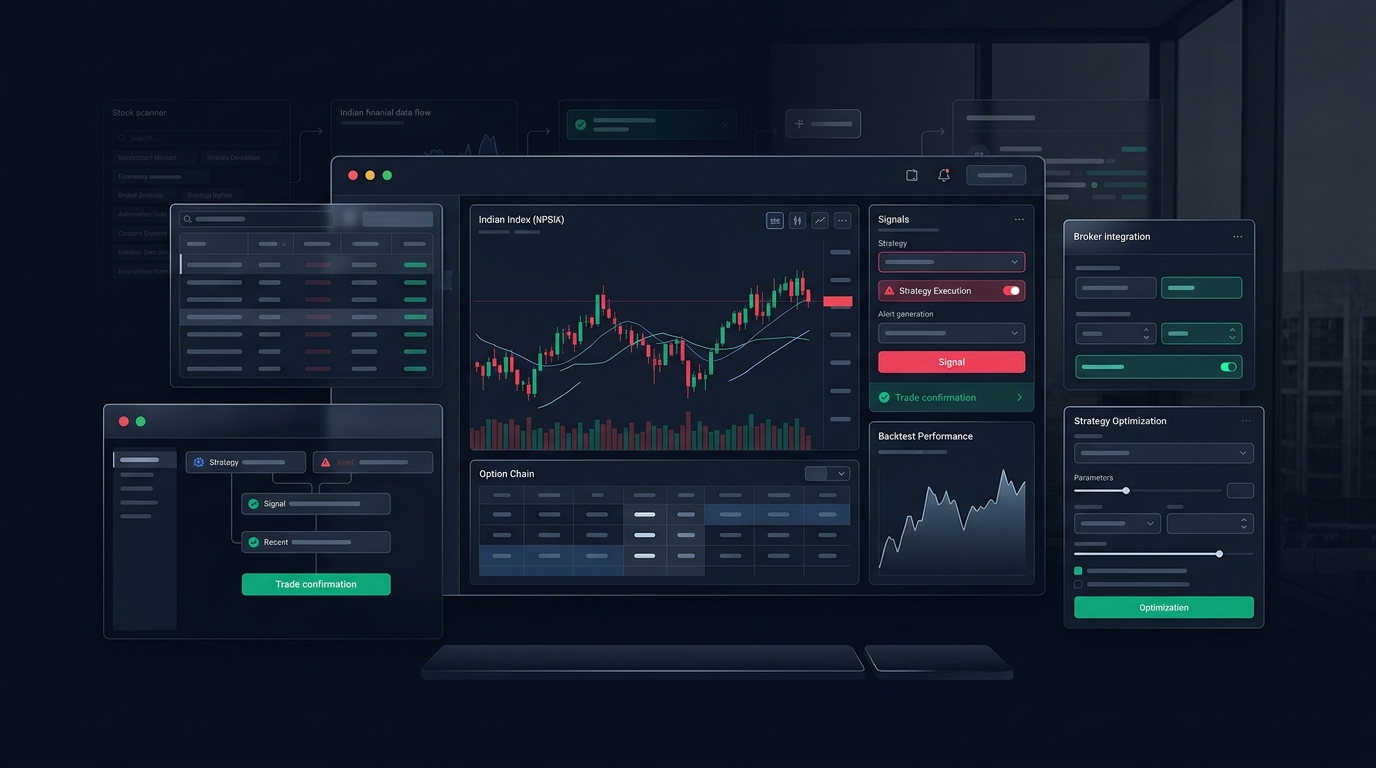
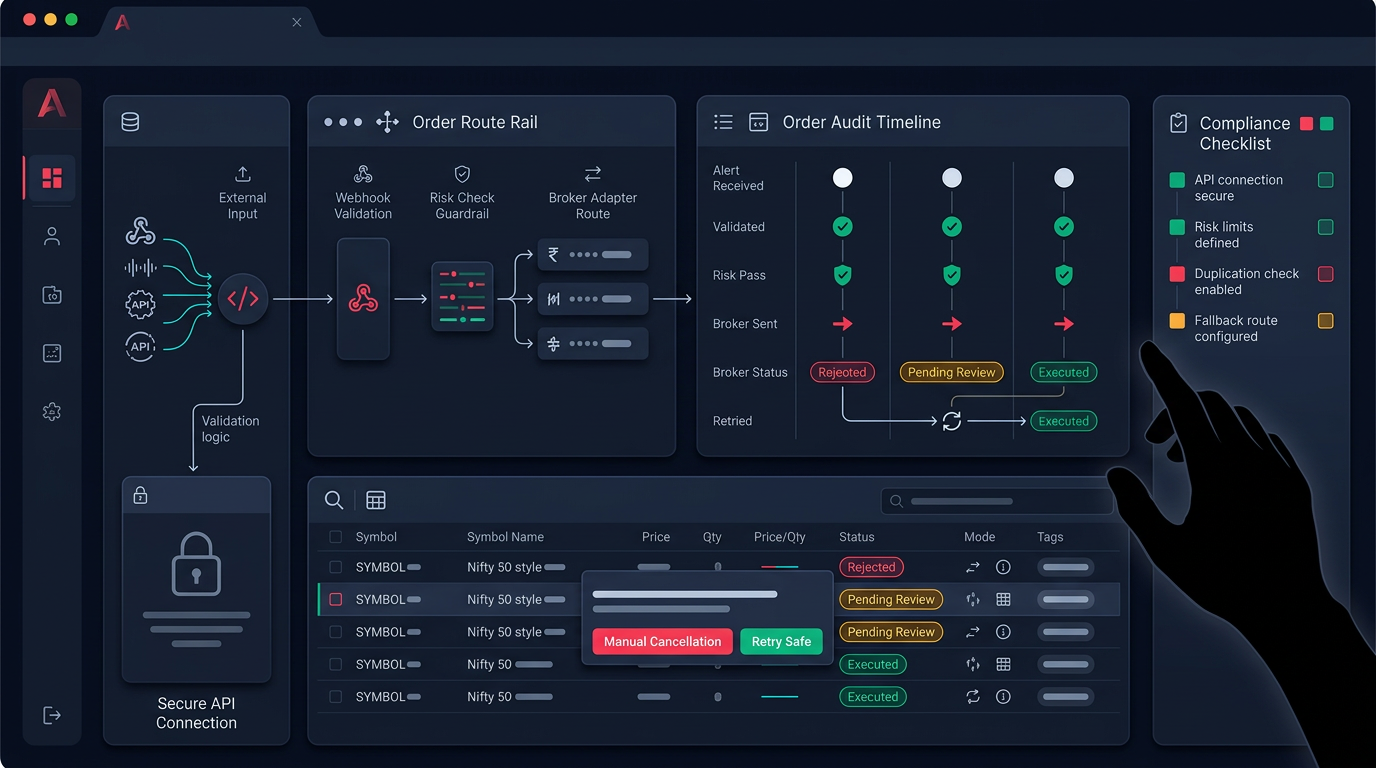
The alert gets parsed and checked before anything reaches the broker. Symbol mapping, exchange, product type, and lot size are normalised. On Anadi, TradingView webhooks are configured as a routing layer where alerts become structured, broker-compatible execution events rather than blind POST requests. A malformed or duplicate payload gets caught here, not at the broker.
A risk gate
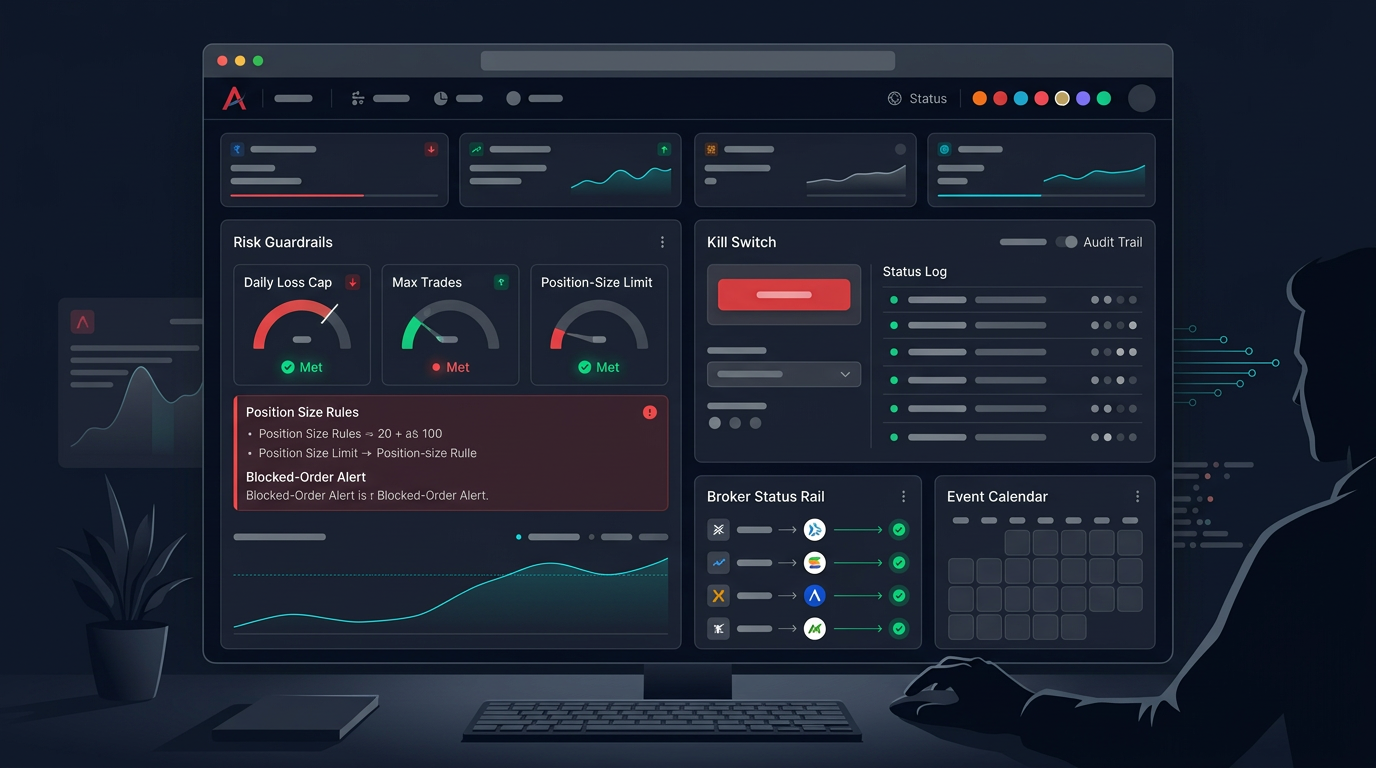
This is the layer most webhook-only setups skip entirely. Before an order is placed, the platform checks position size, exposure, and loss limits against your rules. A daily loss limit or a max-lots cap can quietly reject a signal that a bare webhook would have blindly sent. Good risk management is not an add-on here — it is the reason the order is allowed to exist.
Order audit
Execution problems show up in your order table long before they show up in P&L. A full platform keeps a live order view with status chips — placed, pending, rejected, cancelled — and cancel actions where the broker allows them. You can inspect what the broker actually did instead of assuming every alert became a clean fill.
Strategy definition and backtest
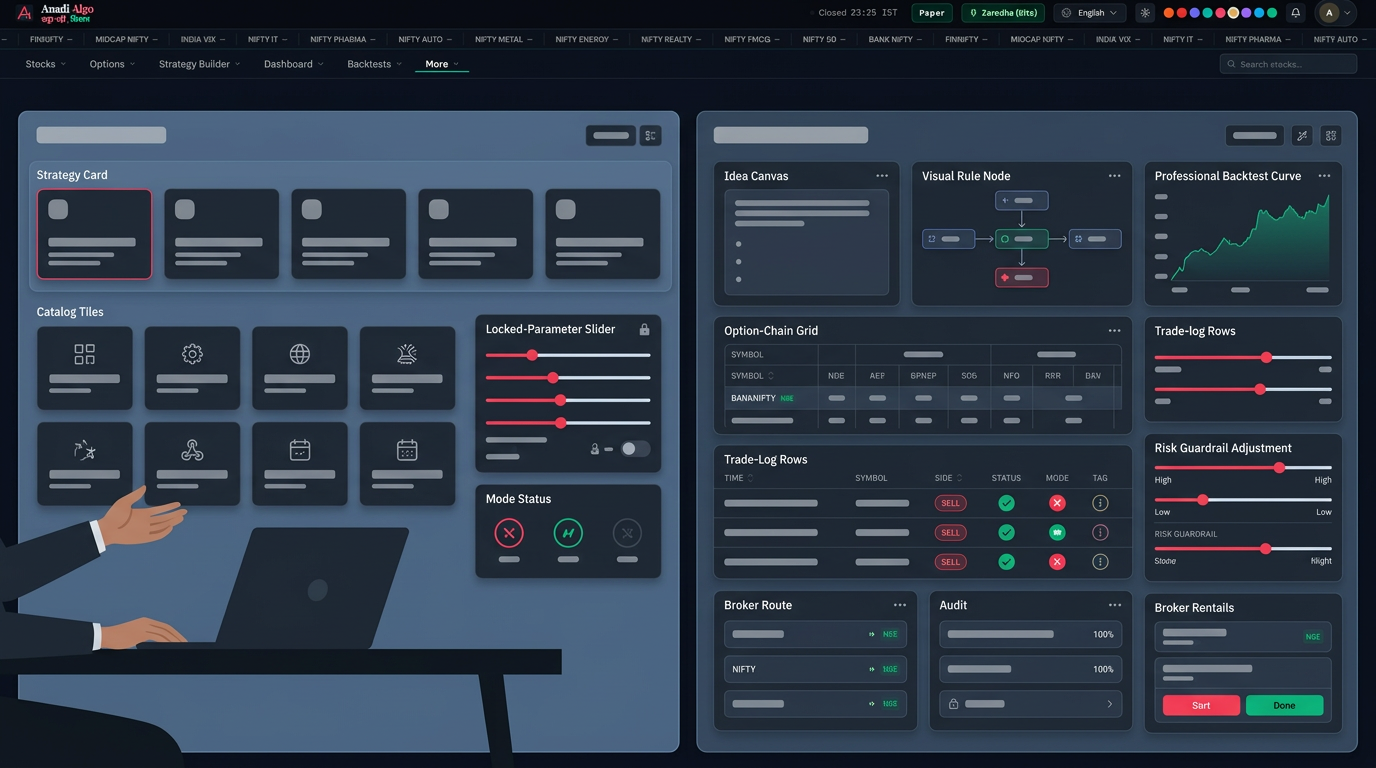
A webhook can only forward whatever your Pine Script decided. A platform lets you define entry, exit, sizing, and instrument selection as explicit rules, then test them. Running the same logic through backtesting before it ever goes live tells you whether the idea survives past data — something the webhook layer, by design, has no opinion on.
Side-by-side: workflow fit
Compare the two on what each layer is responsible for:
- Signal generation: TradingView wins. Pine Script and community indicators are hard to beat for charting logic.
- Message delivery: Webhook does its one job well.
- Duplicate handling: Needs a platform or custom code behind the URL.
- Risk checks: Platform layer. A raw bridge has none.
- Broker mapping across brokers: Platform layer; a single-broker script can hardcode it, but breaks when you switch.
- Order status and audit: Platform layer.
- Backtest before live: Platform layer.
- Paper-first testing: Platform layer, via a mode-aware execution path.
The pattern is clear. TradingView owns the idea. The layers that keep that idea from hurting your account live on the platform side.
When a webhook-only setup is genuinely enough
Fair is fair — the full stack is not always warranted. A bare webhook bridge can be reasonable when:
- You are trading one instrument, one lot, one strategy, with tight manual supervision.
- You are in a paper or forward-testing phase and watching every alert by hand.
- Your Pine Script already handles dedup and you accept the broker-side risk yourself.
If that is your setup, adding a heavy platform can be overkill. Match the tooling to the actual risk.
When you need the full stack
The calculus flips fast once real money and multiple moving parts are involved:
- You run more than one strategy or symbol, so position and exposure interact.
- You trade options or futures, where a wrong lot size or a duplicate leg is expensive.
- You want a daily loss limit that can actually stop new orders, not just warn you.
- You need to prove to yourself, after a bad day, exactly which orders fired and why.
At that point the webhook is still useful — it just becomes the entry point to a validated pipeline instead of the whole system. Route the alert into a layer that validates, risk-checks, maps to your supported brokers, and logs every order. Test the same rules in paper mode through AutoTrade before you let them touch capital.
A pre-live checklist
Before you point any TradingView alert at a live broker account, confirm each of these:
- Dedup: Is there logic to reject a repeat alert within the same bar?
- Payload check: Are symbol, exchange, product type, and quantity validated before send?
- Risk gate: Can a loss limit or max-position rule actually block a new order?
- Position awareness: Does the system know your existing holdings before adding to them?
- Order audit: Can you see broker status — placed, rejected, cancelled — after each fire?
- Paper first: Have you run the exact rules in paper mode for enough sessions to trust them?
- Kill switch: Is there a manual override to stop all automated orders instantly?
If you cannot tick every box, you have an alert system, not an execution system — and the difference only becomes obvious on the day a signal misfires.
Webhooks are a great first layer. Just do not mistake the first layer for the whole building. If you want to see how alert routing, risk gates, and order audit fit together in one workflow, request early access and set it up in paper mode before anything goes live.