Most algo accounts don't blow up because the strategy was wrong. They blow up because nothing stopped the trading after a bad morning. One gap, two revenge entries, a doubled lot size to "recover," and a week of edge is gone before lunch.
A daily loss limit is the rule that ends that day for you. It is the single most boring, most important guardrail in any algo trading in India workflow — and most retail systems still run without one.
Why a hard daily limit beats willpower
In intraday trading, traders often lose money not because the signal was bad, but because they kept trading after the loss. Once you are down for the day, your judgment is already compromised. That is exactly when position sizes creep up and stop-losses get "given more room."
A daily loss limit removes the decision from the heat of the moment. You set the number when you are calm — before the market opens — and the system enforces it when you are not. Discretion is the enemy here; the whole point is to make the stop non-negotiable.
Think of it as a circuit breaker for your own behaviour. A trade-level stop-loss protects one position. A daily limit protects you from yourself across the whole session.
How to size your daily max loss
The common professional range is 3% to 5% of total account value per day. For most retail traders starting out, the lower end is safer.
A simple formula
Daily max loss = Trading capital × Daily risk percent
If you also run a per-trade rule (the classic 1% rule limits each trade to 1% of capital), your daily limit should sit a few trades above it — not 20 trades above it.
Example with ₹1,00,000 capital
- Capital: ₹1,00,000
- Daily risk: 3% → daily max loss = ₹3,000
- Per-trade risk: 1% → ₹1,000 per trade
That means roughly three full losing trades and your session is done for the day. No fourth trade, no averaging, no "one more setup." The math tells you the day is over.
Notice what this also does: it forces honest position sizing. If a single trade can lose ₹2,500 against a ₹3,000 daily cap, your size is too big — one stop nearly ends the day. The daily limit and your lot size have to agree with each other.
Kill-switch design: what actually shuts it down
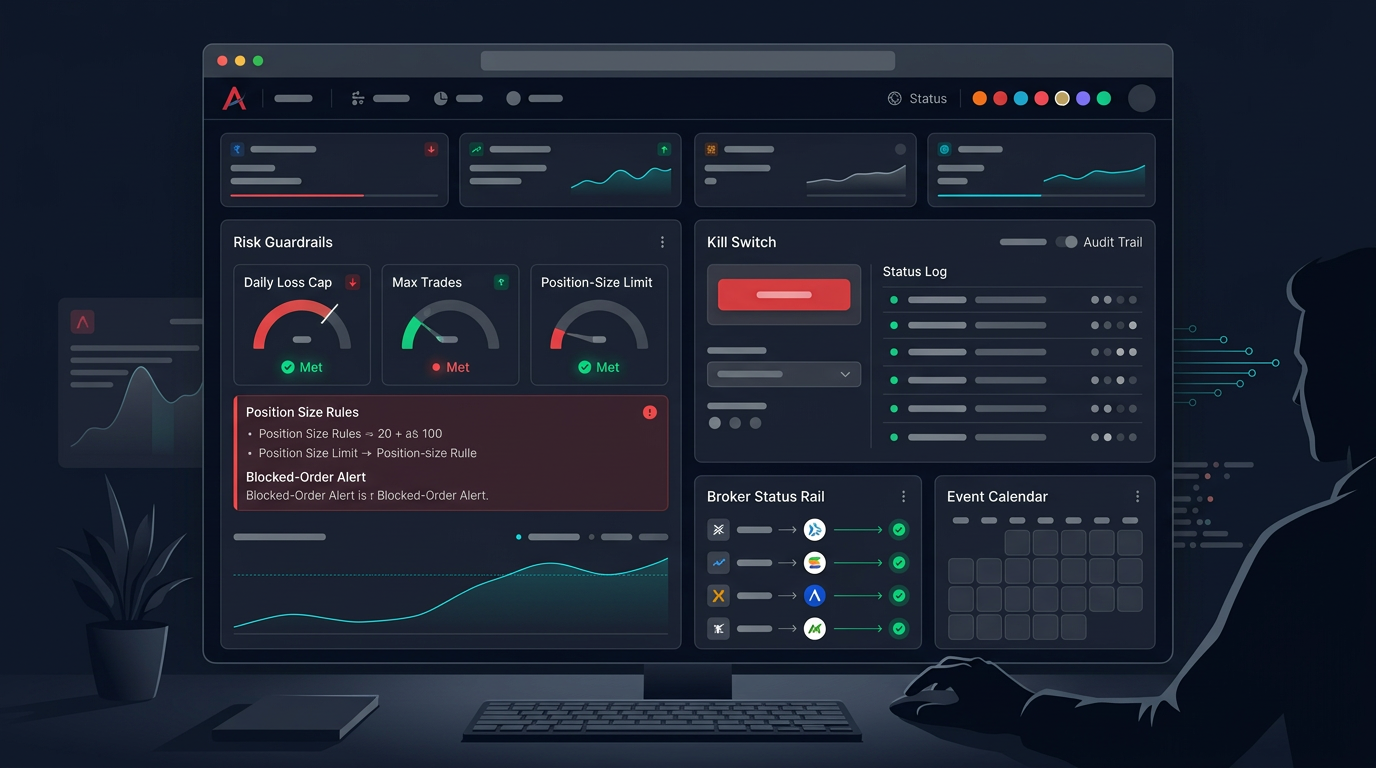
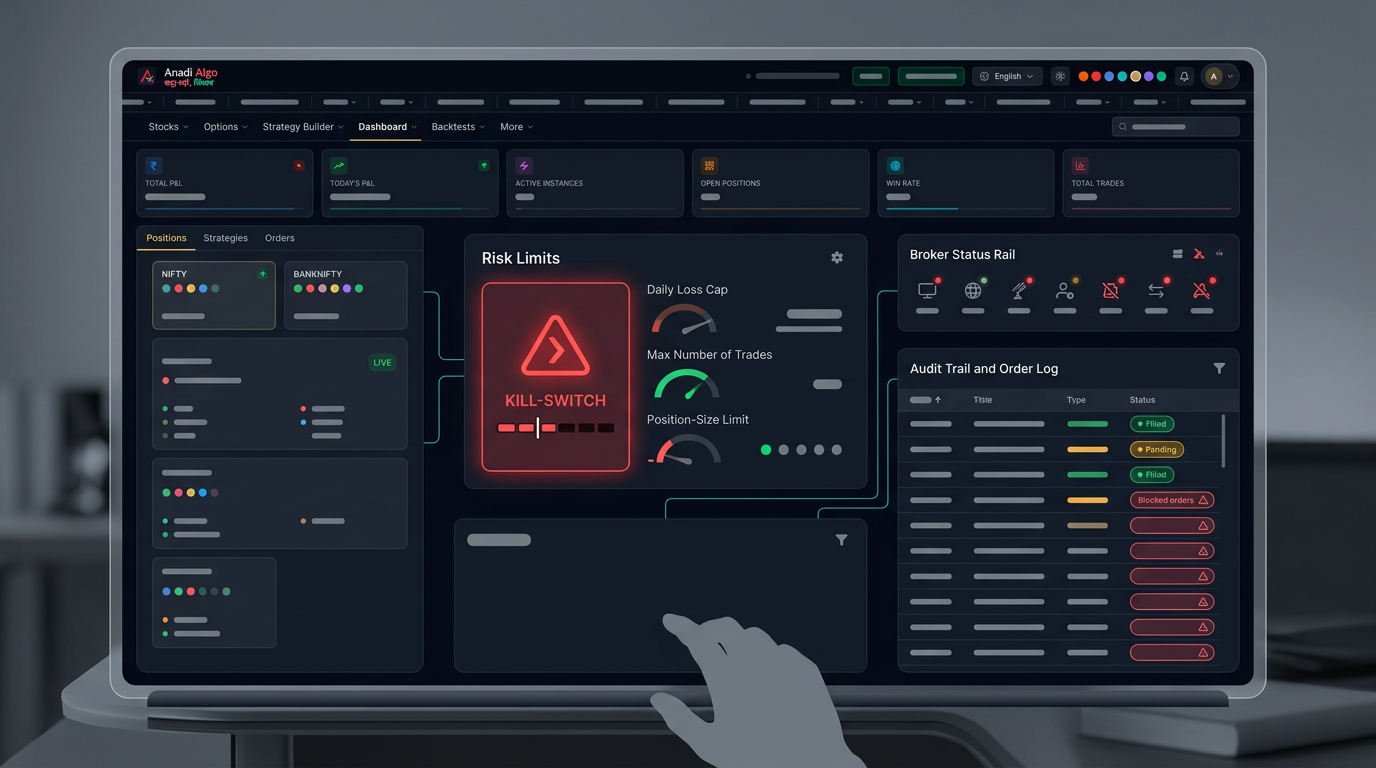
A daily loss limit is only as good as the mechanism that enforces it. A number written in a notebook is a wish. A kill-switch is a rule the system acts on.
Hard stop vs soft stop
A hard stop flattens open positions and blocks new orders the moment realised plus unrealised loss crosses the limit. A soft stop sends a warning and stops new entries but lets existing trades run to their own stops. Many traders prefer a hybrid: block new entries at the soft level, force-flatten at a slightly wider hard level.
Decide which one you want before you go live, and write it down. Ambiguity here is how limits get "interpreted" away mid-session.
What the switch should measure
Be precise about the trigger, because vague rules fail in real markets:
- Realised + open P&L, not just booked losses. A position deep in the red still counts.
- Per-day reset, tied to the session, so yesterday's loss doesn't bleed into today.
- Mode awareness — the limit should behave the same in paper and live, so you can trust it before real money is on the line.
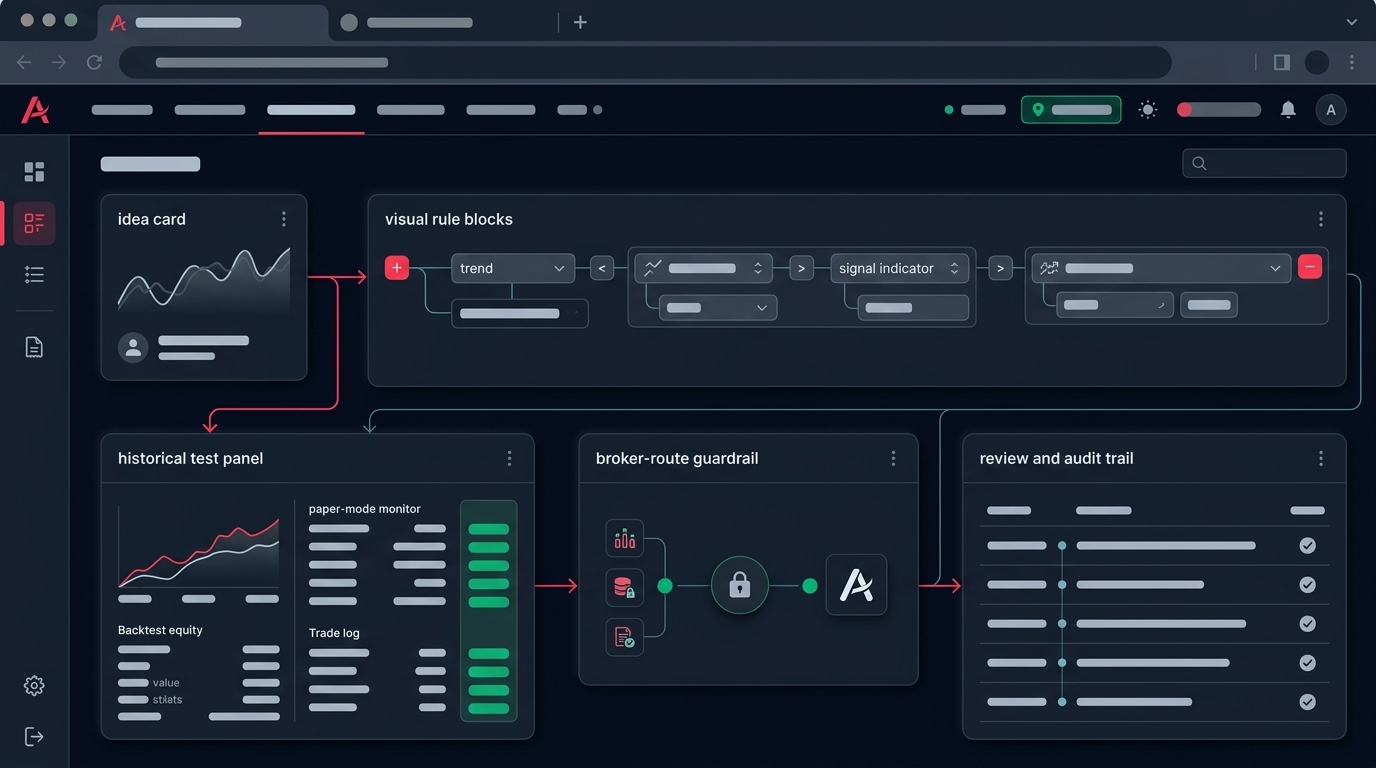
This is where a runtime that already understands bounded mandates helps. Anadi's AutoTrade and paper trading flow, for example, takes a plain-language mandate with an explicit target and max loss, then runs it as a monitored session — so the loss cap is part of the deployment, not an afterthought you bolt on later. Start in paper mode, confirm the kill-switch actually fires at your number, then scale up.
Where the daily limit sits in your risk stack
A daily loss limit is one layer, not the whole system. Risk control works in three layers, and you want all of them:
- Trade level — a stop-loss on every position, sized so no single trade can hurt the day.
- Daily level — the hard cap that ends the session.
- Drawdown level — a weekly or rolling rule that scales you down or pauses you when cumulative losses pile up.
If three red days in a row hit your weekly drawdown threshold, the sensible response is to cut size or stop and review the strategy — not to push harder. The daily limit handles one bad day; the drawdown rule handles a bad pattern.
Common ways the kill-switch fails
These are the failure modes that quietly defeat a daily limit in live trading:
- It only counts booked losses. Open positions keep running past your limit because they aren't "realised" yet. Always include unrealised P&L.
- It can be overridden by hand. If you can switch it off mid-session, you will — on exactly the day you shouldn't. Make the override costly or impossible during the session.
- It ignores costs. Brokerage, slippage, and taxes are real losses. A limit that tracks gross P&L lets actual drawdown run wider than you think.
- It resets at the wrong time. A limit tied to the wrong clock can re-arm mid-session or carry yesterday's loss forward.
- Size is too big for the cap. If one stop is most of your daily limit, the limit can't do its job. Fix the position size, not the limit.
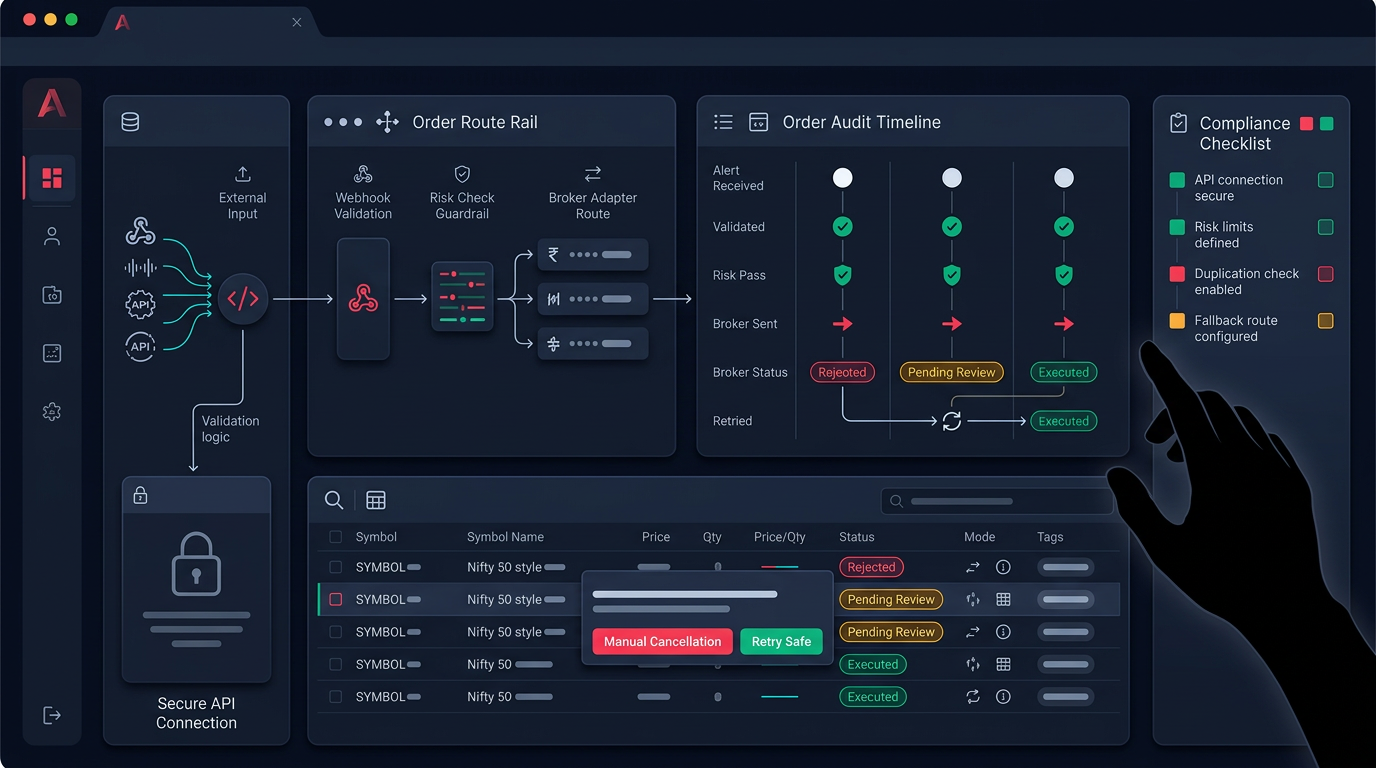
A useful habit: after each session, audit your orders against what the system says happened. If you assumed a fill that didn't occur, your P&L — and your kill-switch — was working off wrong numbers.
Your daily loss limit checklist
Before you let any automation run live, confirm every line below:
- Daily max loss is a fixed rupee number, set before the open (start near 3% of capital).
- Per-trade risk is small enough that three to four stops fit inside the daily cap.
- The kill-switch counts realised and open P&L, after costs.
- New entries are blocked the instant the limit is hit; no manual override during the session.
- The limit resets cleanly per session and never carries loss forward.
- You tested the trigger in paper mode and watched it actually fire.
- A separate weekly drawdown rule pauses you after a bad streak.
A daily loss limit won't make a weak strategy profitable. What it does is guarantee you live to trade the next day with most of your capital intact — and in this game, surviving the bad days is most of the edge.
If you want to build these guardrails into a monitored, paper-first workflow before risking real capital, request early access and set your max-loss limits before you scale.